Short answer: Finandy permanently stopped operating on 10 September 2026. If you used it, do three things now: disable the Finandy API keys on every exchange you connected, check each open position and set its stop-loss directly on the exchange, and switch off or repoint any TradingView alert that still sends webhooks to Finandy. Then choose a replacement that uses trade-only keys, places stop-loss and take-profit on the exchange, and lets you test on paper before going live.
Finandy was one of the tools traders used to connect signals and strategies to their exchange accounts through API keys. When a service like that closes, the risk is not the announcement itself — it is what keeps running quietly afterwards: API keys that stay active, positions that no longer have anyone managing them, and alerts that fire into a dead endpoint while you assume your strategy is still trading. This guide walks through the clean-up first, then how to pick what comes next.
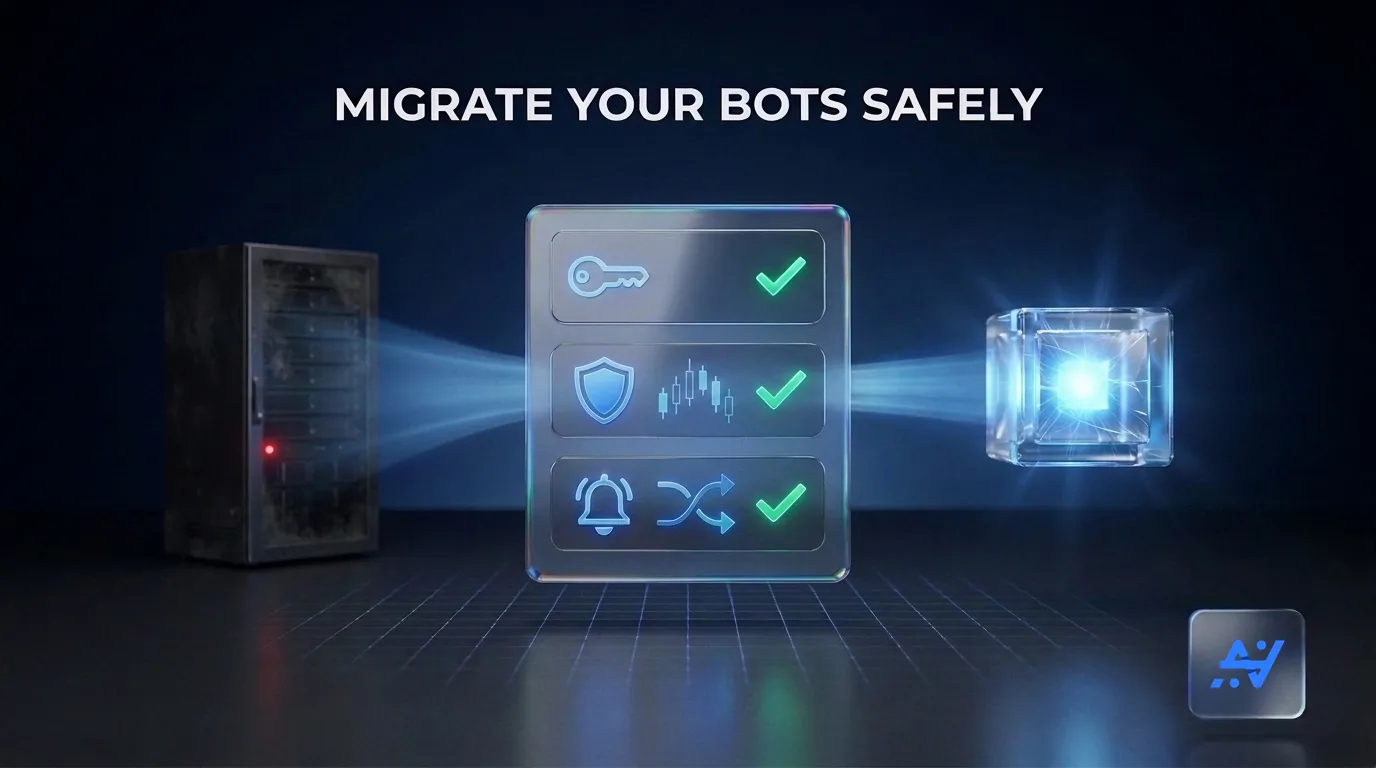
What happened: the timeline from Finandy's own notice
Finandy's website now shows only a closure notice. Taken from that notice (finandy.com, read on 24 September 2026):
- 13 April 2026 — the brokerage program and copy trading ended.
- 1 July 2026 — the main withdrawal period for the brokerage program closed.
- 10 August 2026 — Finandy reported a security incident involving one of its withdrawal wallets. The notice states that API trading and user funds on connected external exchanges were not affected.
- 10 September 2026 — Finandy permanently ceased operations; withdrawals through Finandy are no longer available.
The notice also recommends disabling Finandy API keys in the settings of connected exchanges. That is the first step below.
Step 1: Disable every Finandy API key
An API key belongs to your exchange account, not to Finandy. It stays valid until you delete it, even though the service that used it is gone. Open the API management page on each exchange you connected — Binance, Bybit, OKX or any other — and delete the keys you created for Finandy. If you are not sure which key was Finandy's, check the label and creation date, and delete any key you no longer recognise.
When you create keys for a replacement later, give them trading permission only. A key used for automation never needs withdrawal permission.
Step 2: Check open positions and orders on the exchange
Log in to each exchange directly and review every open position and open order. Anything a third-party service was supposed to manage after entry — moving a stop to breakeven, trailing a stop, closing on a signal — is no longer being managed. Stop-loss and take-profit orders that were placed on the exchange still exist there; logic that lived on the service's side does not.
- Make sure every open position has a stop-loss order on the exchange itself.
- Cancel stale orders you no longer want.
- Decide deliberately whether to keep or close each position — do not leave it to a tool that no longer runs.
Step 3: Deal with TradingView alerts that still point at Finandy
TradingView keeps firing alerts whether or not anything receives them. An alert whose webhook URL points at Finandy now fails silently: TradingView shows the alert as triggered, but no order is placed. Open your TradingView alert list and either switch those alerts off or change the webhook URL to your new platform. Your old alert messages were written for Finandy's format, so they must be rewritten in the new platform's format — do not reuse them unchanged.
How to choose a replacement
A shutdown is a good moment to check what you actually need, rather than moving to the first tool with a similar name. Five questions settle most of it:
- Are API keys trade-only? The platform should work with keys that have no withdrawal permission, so a leaked key cannot move funds out.
- Are stop-loss and take-profit placed on the exchange? Protection that exists only inside the platform disappears if the platform stops — exactly the situation this guide is about.
- Does it cover your exchanges and market type? Spot and futures are different products; check both, and check whether you will ever want forex as well.
- Which signal sources does it accept? TradingView webhooks, Telegram channels, or both.
- Can you test it without risk? A paper mode or trial lets you confirm the whole flow before real money is involved.
Our side-by-side pages compare AlgoVesta with 3Commas, WunderTrading and Cryptohopper on these points, so you can check the details before deciding.
Where AlgoVesta fits
AlgoVesta takes the signals you already follow — a TradingView alert or a Telegram channel — and executes them on your own accounts: Binance and 15 other crypto exchanges, spot and futures, plus MetaTrader 5 forex from the same setup.
- Trade-only credentials — keys without withdrawal access; your funds stay on your exchange.
- Protection on the exchange — stop-loss and take-profit are placed as real orders on the exchange with each trade.
- Speed — orders open in about 4.1 seconds on average on crypto exchanges and about 1.2 seconds on MT5, stop-loss and take-profit included.
- No VPS, no code — it runs hosted; you paste one webhook URL into TradingView.
- Test first — a 7-day free trial with no credit card, and paper trading with a $5,000 virtual balance.
Moving your TradingView alerts
Rewriting an alert takes a minute. In TradingView, open the alert, paste your AlgoVesta webhook URL into the webhook field, and replace the message with a JSON body such as:
{"symbol":"BTCUSDT","action":"buy","risk_percent":2}
The dashboard's signal designer builds this message for you, including exits, and a test signal lets you confirm the route before the next real alert fires. The full field reference is in the TradingView to Binance and MT5 guide.
Frequently asked questions
Has Finandy shut down?
Yes. Finandy's own website states that all operations permanently stopped on 10 September 2026. Brokerage and copy trading had already ended on 13 April 2026, and withdrawals through Finandy are no longer available.
Are my funds on Binance or other exchanges affected?
According to Finandy's notice, the August 2026 security incident involved one of its own withdrawal wallets, and API trading and user funds on connected external exchanges were not affected. Your exchange balance stays on your exchange account, but you should still disable the Finandy API keys.
What should I do with my Finandy API keys?
Delete or disable every API key you created for Finandy in the API management settings of each exchange you connected. A key for a service that no longer operates has no purpose and should not stay active.
Will my TradingView alerts still trade after Finandy closed?
No. Alerts that send webhooks to Finandy now go nowhere, so no orders are placed. Disable those alerts or point them at a new execution platform, and rewrite the alert message in that platform's format.
What is a good Finandy alternative for TradingView and Telegram signals?
Pick a platform that uses trade-only API keys with no withdrawal permission, places stop-loss and take-profit on the exchange itself, supports your exchanges and market type, and lets you test on paper first. AlgoVesta routes TradingView webhooks and Telegram signals to Binance and 15 other crypto exchanges, plus MetaTrader 5 forex, with a 7-day free trial.
Related reading
The bottom line
A closed service leaves behind active keys, unmanaged positions and silent alerts. Clean those up first — keys, positions, alerts — and only then choose a replacement, using protection that lives on the exchange rather than inside the tool. Try a signal on the live demo or see how TradingView automation works on AlgoVesta.
Related comparisons: 3Commas · WunderTrading · Cryptohopper
Disclaimer. AlgoVesta is signal-routing automation infrastructure (Bring Your Own Signal). It runs execution infrastructure on your behalf using trade-only credentials; it does not generate signals, hold, receive, or move client funds, and does not provide investment advice or trading recommendations. Execution times are averages measured across live-tested trades and may vary. Crypto and forex trading carry substantial risk of loss; leveraged positions may be fully liquidated. Past performance does not guarantee future results.
The authoritative version of this article is the English original; translations are provided for convenience.
Ready to automate your trading workflow?
Connect your exchange with secure, trade-only API keys.
Start Free — 7 Days